
Last updated: June 12, 2026 Some links are affiliate links — see our Affiliate Disclosure.
Best eSIM for China 2026: Get Past the Great Firewall
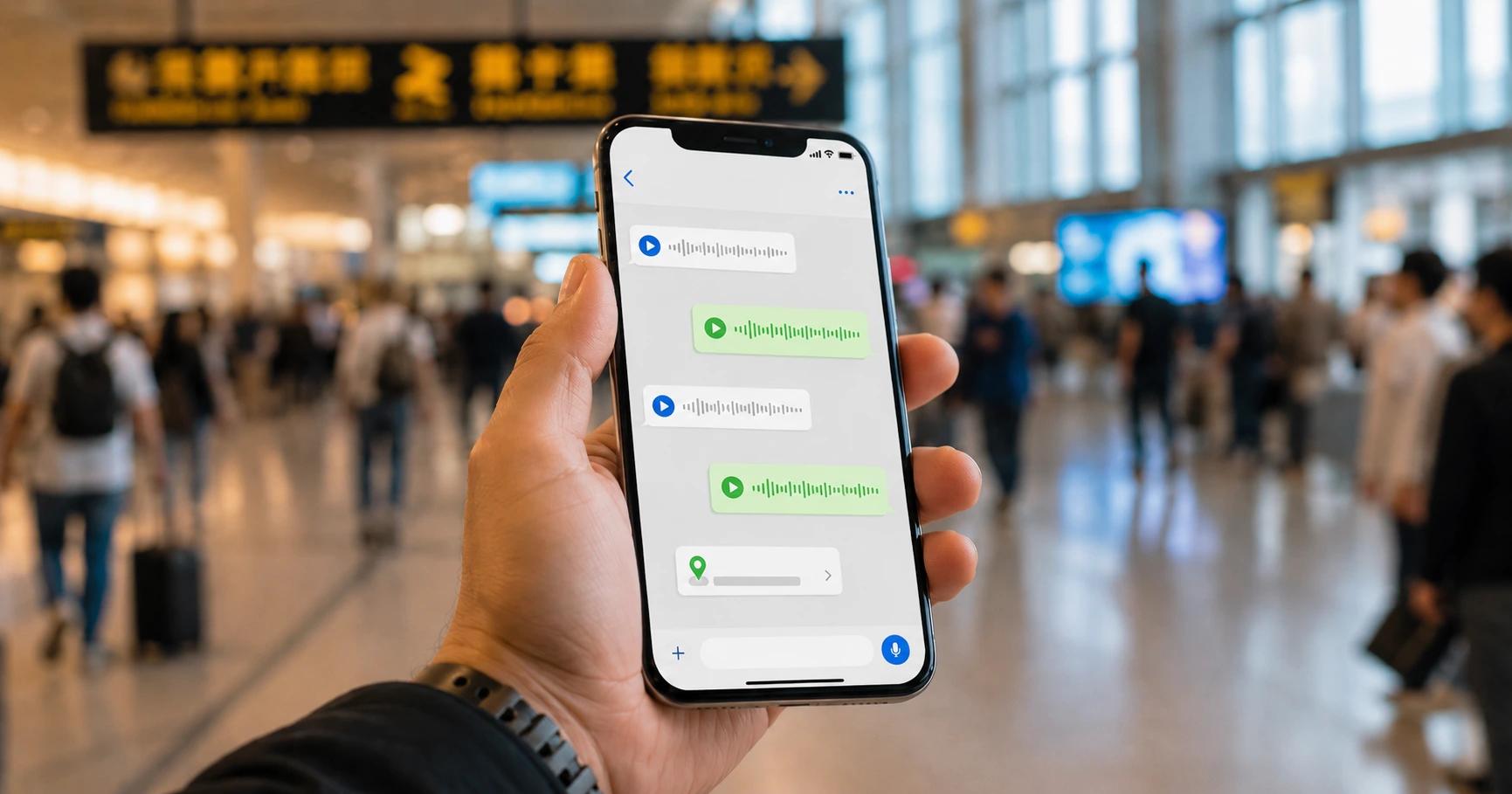
When you land in China, you'll want mobile internet right away — for maps, taxis, translation, paying for things, and messaging home. The easiest way to have it working the second you step off the plane is a travel eSIM: a SIM card you buy and download online before you go, with no airport queues and no expensive roaming.
But China has one catch you won't find elsewhere — and it's the reason you need to pick the right kind of eSIM. A lot of the apps you use every day — Google, WhatsApp, Instagram, Gmail, Maps — are blocked behind the country's "Great Firewall." The good news: the right travel eSIM routes your data out of China first, to Hong Kong or Singapore, so the firewall never sees it and your apps work exactly like they do at home. This guide shows you which eSIMs do that, and how to set one up before you fly.
What the Great Firewall Blocks
China blocks a long list of foreign websites and apps. Here are the ones most travelers care about:
- Google — search, Maps, Gmail, Drive, Photos, the whole thing
- WhatsApp, Telegram, Signal
- Facebook, Instagram, X (Twitter), YouTube, and the international TikTok
- Some news sites (BBC, New York Times) and cloud services (Dropbox, OneDrive)
The block hits any internet connection that runs through China's own network. Hotel Wi-Fi, a local Chinese SIM card, public hotspots — if the data goes through a Chinese provider, the apps are blocked.
But here's the loophole: if your data is routed out of China — to Hong Kong, Singapore, or somewhere else — the firewall never sees it. Your phone still uses a Chinese cell tower for signal, but the actual internet travels out of the country before any blocking happens. To China's network, you just look like a foreign phone passing through, so the filters don't apply. That's the whole trick: the firewall can't block what it never sees.
Why an eSIM Beats the Other Options
You've got three ways to get online in China. Here's how they stack up:
- A local Chinese SIM card (China Mobile, Unicom, Telecom) is cheap, but your internet goes straight through China's network — so the firewall applies, and Google and WhatsApp are blocked unless you also run a VPN.
- Your home phone plan's roaming usually routes out of China and works fine, but it's pricey — often $10-15 a day — and the data runs out fast.
- A travel eSIM is the sweet spot. The right one routes your data out of China (so your apps just work, no VPN), you pay once with no daily fees, and you can set it up before you even leave home.
An eSIM is just a SIM card you buy and download online — there's no physical card to pick up or swap. You install it at home, get on the plane, and the moment you land in China your phone has working, uncensored internet. No airport SIM counter, no setup on arrival.
Not All China eSIMs Work — Here's the Difference
This is the one thing to get right. There are two kinds of China eSIM, and only one gets you past the firewall:
1. Mainland-China eSIMs — the firewall still blocks you.
These connect you to a Chinese carrier's local network, just like a physical China SIM. They're cheap (sometimes under $5 a week), but your data goes through China's network, so Google, WhatsApp, and Instagram are still blocked. Fine if you only need Chinese apps like WeChat and Alipay — useless if you want the rest of the internet.
2. International / Hong Kong–routed eSIMs — the firewall-free kind.
These send your data out of mainland China before it gets filtered. Your phone still gets full coverage across the country, but the internet travels out to Hong Kong or Singapore first — so Google, WhatsApp, Gmail, Instagram, everything just works, no VPN needed. It's the same internet you have at home.
The catch is price: the firewall-free kind usually runs $15–40 for a week, depending on how much data you want. That's more than a cheap mainland SIM, but cheaper than most home-carrier roaming — and far more reliable than crossing your fingers that a VPN works.
For a normal trip where you want your usual apps to work, the international-routed eSIM is the one to buy.
The Best Firewall-Free eSIMs for China (2026)
These three are the ones travelers actually use and trust to route outside the firewall. Prices are rough and depend on how much data and how many days you pick.
Airalo — the easy all-rounder
- Coverage: all of China, routed through Hong Kong
- Data: 1GB to 20GB, 7–30 days
- Price: about $10–50 depending on data
Airalo is the most popular travel-eSIM app out there. Setup takes two minutes, and you can buy more data in the app if you run low. If your trip also hits other Asian countries, Airalo has one regional plan that covers several at once. A safe first pick for most people.
Holafly — best if you don't want to count data
- Coverage: all of China, routed internationally
- Data: unlimited (speeds slow down after very heavy daily use)
- Price: about $20–60 for 5–30 days
Holafly's headline is unlimited data, so you never have to ration gigabytes or worry about running out. After very heavy use in one day (around 1–2GB) it slows you down, but for normal browsing, maps, messaging, and social media you won't notice. Great if you use a lot of data or just don't want to think about it.
Nomad — the middle ground
- Coverage: all of China, routed internationally
- Data: 1GB to 10GB, 7–30 days
- Price: about $15–45
Nomad routes out of China through Hong Kong and other gateways, has a clean app, and is a solid pick if your China trip is part of a bigger Asia loop (it has good coverage across the region).
How to Pick the Right One
A few things to check before you buy:
- Make sure it says it gets past the firewall. Look for words like "Hong Kong routing," "international routing," "firewall-free," or "access Google/WhatsApp." If a cheap China eSIM doesn't mention any of that, assume it's the blocked mainland kind — ask the seller before buying.
- How much data do you need? For about 10 days of normal use (maps, messaging, social media, a bit of video), 3–5GB is usually plenty. Lots of streaming or video calls can eat 1GB a day.
- Match the length to your trip. Most plans come in 7, 15, and 30 days. A short transit trip only needs the 7-day plan.
- Can you top up? Some let you add more data in the app if you run low; others don't.
- Want to share with a laptop? If you want to use your phone's internet on a laptop or tablet, check the plan allows it (most do, a few cheap ones don't).
How to Set It Up (Step by Step)
Do all of this before you leave home — once you're in China without internet, you can't easily download a new eSIM.
1. Check your phone can use an eSIM.
Most iPhones from the iPhone XS onward and most recent Samsung, Google Pixel, and other newer phones support it.
- iPhone: Settings → Cellular/Mobile Data → Add Cellular Plan. If that option is there, you're good.
- Android: Settings → Network & Internet → SIMs → Add a SIM / "Download a SIM instead?"
If your phone doesn't support eSIM, you can still get online with a physical SIM card — our first China trip guide covers your options, including buying a tourist SIM at the airport when you land.
2. Buy your plan. On the provider's app or website (Airalo, Holafly, Nomad), pick your China plan and pay. You'll get a QR code in the app or by email.
3. Install it at home, on Wi-Fi. In the same settings menu as above, choose to add/download a SIM, scan the QR code, and give it a name like "China eSIM." Leave it switched off for now — your normal SIM keeps working. You've just added a second line.
4. Turn it on when you land. Once your plane is on the ground in China, go into settings, switch the China eSIM on, and set it as your data line. Within a minute or two your apps start working. If nothing happens, turn airplane mode on and off, or restart the phone — that usually does it.
Do You Still Need a VPN?
With a firewall-free eSIM, you don't need a VPN just to use Google, WhatsApp, or Instagram — they work straight away, because your data never touches China's network.
A VPN is still handy for:
- Hotel, restaurant, and public Wi-Fi. If you connect to local Wi-Fi instead of your eSIM, the firewall is back and your apps are blocked again — a VPN gets you around it.
- A backup. If your eSIM has a hiccup or runs out of data, a VPN on local Wi-Fi is your fallback.
So a VPN isn't strictly required if you have a good eSIM — but we still strongly recommend setting one up before you fly. The safe move: download two VPN apps now — one free option, and one reliable paid one (just install the app; you don't have to pay until you actually need it). Download VPN apps before you travel: once you are on normal mainland Chinese Wi-Fi or a local SIM, VPN websites and app downloads may be blocked or unreliable, so setting them up after arrival can be difficult. Having them already on your phone is cheap insurance that can save your trip if your eSIM has a problem or you're stuck on hotel Wi-Fi. Our guide to the best VPNs for China covers exactly which ones to grab.
What About Calls and Texts?
eSIMs are data only — there's no Chinese phone number, so no regular calls or texts through the eSIM itself. But you've got two easy options:
- Call and message over the internet — WhatsApp, FaceTime, Telegram all work fine over your eSIM data.
- Keep your home SIM in the phone too. Almost every modern phone can run two SIMs at once: your home SIM handles calls and texts (watch for roaming charges, or leave it on airplane mode), and the eSIM handles data.
You'd only need a physical local SIM if you specifically need a Chinese phone number — for most trips, data-only is all you need.
A Few Common Mistakes
- Waiting until you land to set it up. You need internet to buy and install an eSIM — which is the exact thing you don't have yet. Do it at home.
- Leaving the wrong SIM on for data. Make sure your phone is using the China eSIM for internet, not your home SIM — otherwise you'll either have no data or rack up roaming charges. Check Settings → Cellular/Mobile Data and pick the eSIM.
- Accidentally buying the blocked (mainland) kind. If it doesn't say it routes out of China, it probably doesn't. Ask first.
- Running out of data. Check your usage every couple of days. Some providers (Airalo, Nomad) let you top up in the app; others don't.
Quick Checklist Before You Fly
- eSIM bought and QR code saved
- eSIM installed on your phone (left switched off until you land)
- You've confirmed it routes out of China (Hong Kong / international)
- Your home SIM is still in the phone as a second line
- You know how to switch the eSIM on and set it as your data line
- Enough data for your trip (3–5GB covers 7–10 days of normal use)
- Install a VPN (ideally two — one free, one paid) before you fly, as backup for public and hotel Wi-Fi
Also worth doing before you go:
- Download WeChat and Alipay and link your card — you'll pay for almost everything by phone in China (our first China trip guide walks through all of this)
- Get a maps app — Apple Maps works in China, or download Amap
FAQ
Do I need a VPN if I use a firewall-free eSIM?
No, not for normal internet. A firewall-free eSIM routes your data out of China, so Google, WhatsApp, and Instagram work without one. A VPN is only useful as a backup, or for filtered hotel Wi-Fi.
Can I install the eSIM after I arrive in China?
Technically yes, but it's risky — you need internet to download it, which you won't have yet. Set it up at home.
How much data do I need for a 10-day trip?
For normal use, 3–5GB. If you stream video or make lots of video calls, plan for around 1GB a day.
Does the eSIM come with a phone number?
No — eSIMs are data only. Use WhatsApp or FaceTime for calls. You'd need a physical local SIM only if you need a Chinese number.
Can I use my home SIM and the eSIM at the same time?
Yes — most phones run two SIMs at once. Home SIM for calls and texts, eSIM for data. Just set the eSIM as your data line so you don't pay roaming.
Which provider is best?
For most people, Airalo is the simplest. If you use a lot of data, Holafly's unlimited plan is the pick. Nomad sits in between. All three get past the firewall.
Will this work everywhere in China?
Yes — eSIMs use the same Chinese networks as local SIMs, so coverage is nationwide: cities, trains, tourist spots. Only very remote areas have weak signal, and that's true of any SIM.
Bottom Line
If you want Google, WhatsApp, Instagram, and the rest of your apps to work the moment you land in China, get a travel eSIM that routes your data out of the country, and install it before you fly. Turn it on when you touch down and everything just works — no VPN, no blocked apps, no hunting for Wi-Fi. It's the simplest way to stay connected in China, and one less thing to worry about at the border.